
Download USB Disk Formatter – format USB drive, format pen drive, format external hard drive
Overview
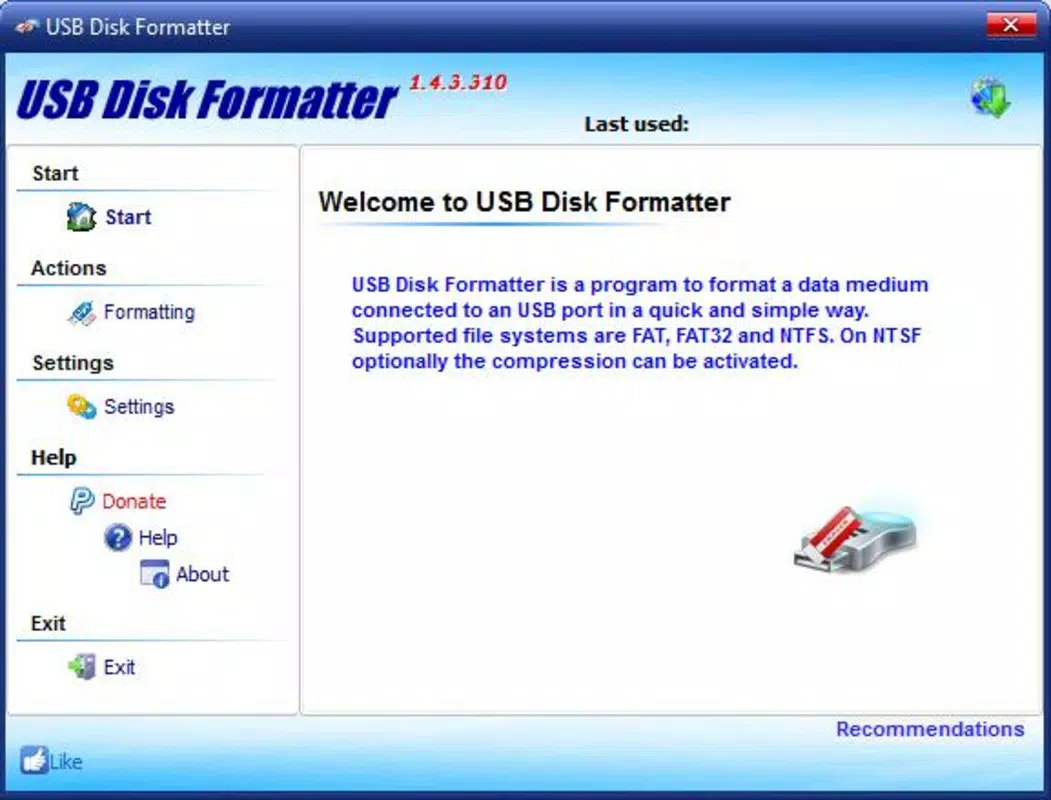
USB Disk Formatter is a streamlined mobile utility designed to simplify the process of formatting external storage devices directly from an Android smartphone or tablet. The app enables users to restore functionality to damaged USB drives, pen drives, and external hard drives by reformatting them with standard file systems such as FAT32 and NTFS. Its primary purpose is to offer a no-frills solution for users who need to reset or repair storage devices without relying on a computer. This makes it particularly useful for individuals working in field environments, students managing project files, or anyone seeking a quick fix for a malfunctioning drive. The app is especially suited for users who lack access to desktop systems or prefer mobile-first workflows. While the developer, USB Disk Formatter, has not provided additional background on their development history or technical expertise, the app’s focused functionality suggests a targeted approach to solving a common device issue. Real-world use cases include preparing a USB drive for data transfer, recovering a corrupted flash drive, or resetting an external hard drive for reuse. In the broader app ecosystem, USB Disk Formatter fills a niche gap by delivering essential disk formatting capabilities on mobile platforms, where such tools are otherwise limited.Key Features & Functionality
- Universal Compatibility – The app supports formatting of any external hard drive regardless of storage capacity or brand. This ensures users can work with a wide variety of USB and external storage devices without encountering compatibility issues.
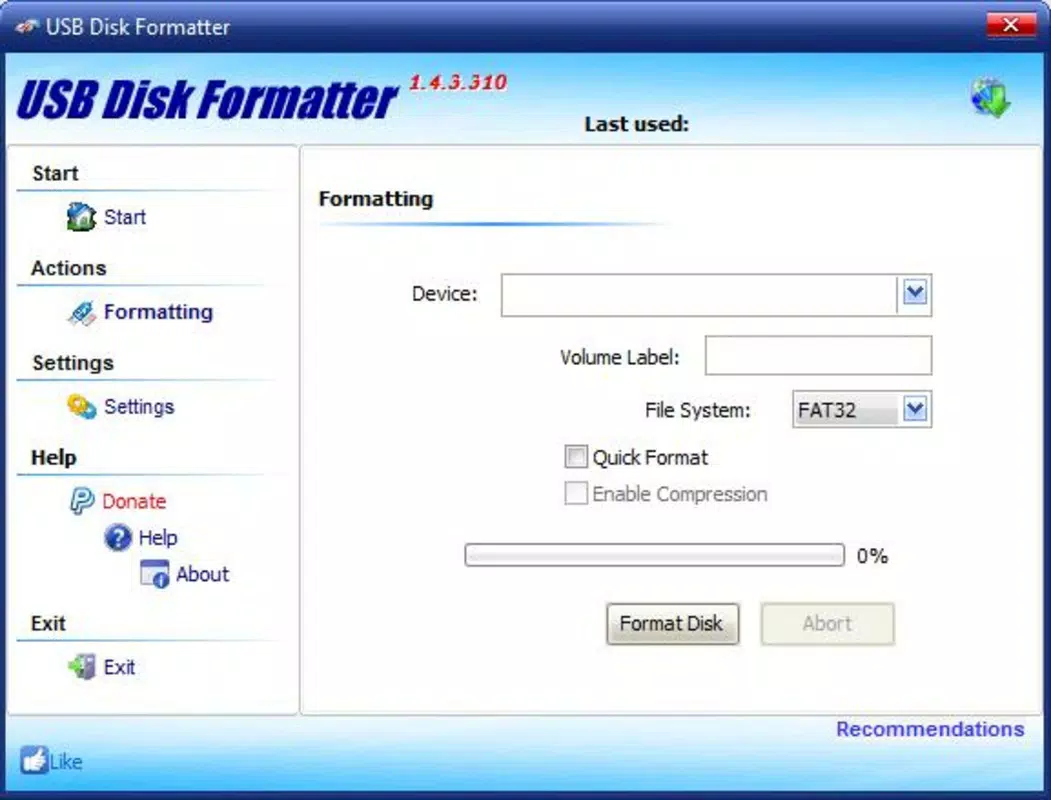
- Simple Formatting Process – Users need only connect the drive and select between FAT32 or NTFS file systems. The minimal setup eliminates the need for technical knowledge, making it accessible to beginners and casual users.
- Support for Large Drives – USB Disk Formatter can handle drives exceeding 32 GB, which is critical for users working with high-capacity external storage devices commonly used for media, backups, or large file transfers.
- Quick Formatting – The formatting process completes in a matter of minutes, depending on the drive size. This efficiency reduces downtime and allows users to quickly return devices to operational status.
- Repair and Restoration – Designed specifically for damaged or unresponsive pen drives and external hard drives, the app helps restore functionality by wiping corrupted file systems and rebuilding a clean structure.
Interface, UX & Performance
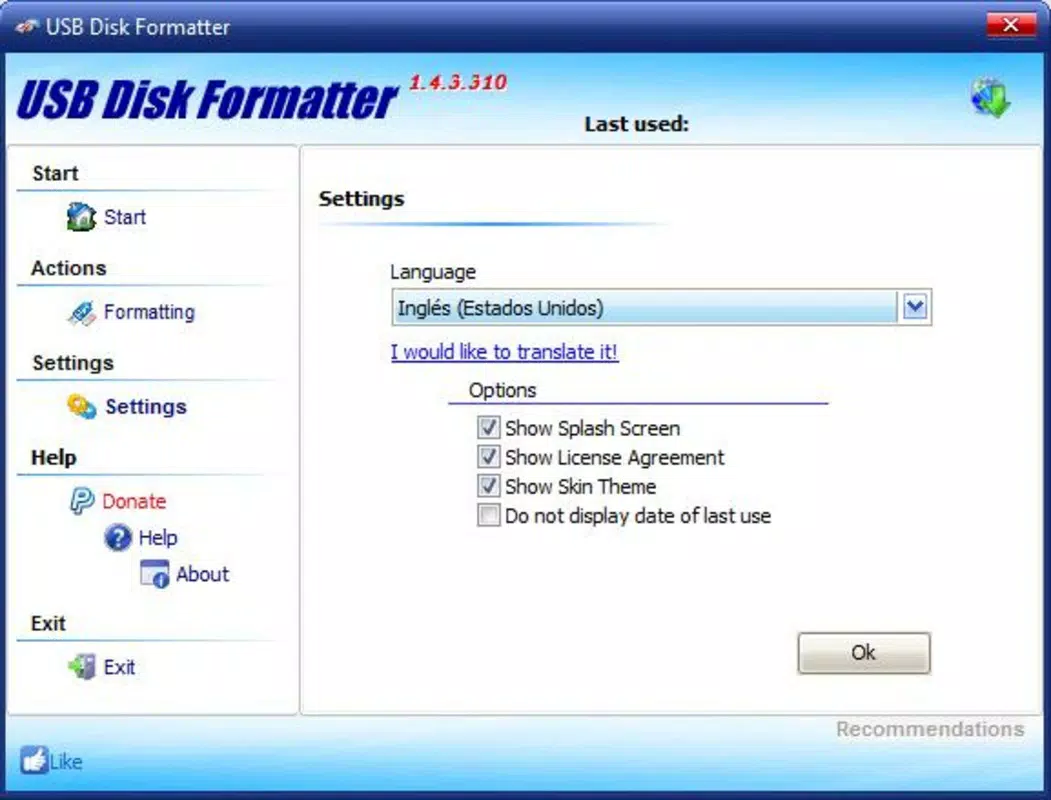
The app features a clean, minimal interface optimized for mobile use. Navigation is straightforward, with clearly labeled options for drive selection and file system choice. The visual layout prioritizes usability over aesthetic complexity, ensuring that users can complete formatting tasks with minimal effort. Interaction is responsive, and the app maintains stability during the formatting process, although the developer did not list formal performance metrics. The app operates efficiently within its intended scope, with no reported crashes or freezes during standard use. Performance may vary slightly depending on the device’s processing power and the size of the drive being formatted, but the app remains functional across different Android device categories. Responsiveness is consistent during the initial setup and drive detection phase. While the developer did not specify minimum OS requirements, the app’s lightweight nature—only 3.5 MB in size—suggests it is designed to run smoothly on a wide range of devices, including budget smartphones and tablets. The absence of unnecessary animations or background processes contributes to its stable operation. Overall, the UX is purpose-built for a single task, reducing cognitive load and ensuring users can complete formatting without confusion.Platform Compatibility & Technical Requirements
USB Disk Formatter is available exclusively on the Android platform. The app requires Android OS, though specific version details were not listed by the developer. The file size is 3.5 MB, indicating a lightweight footprint that minimizes storage impact on mobile devices. This small size also suggests efficient code optimization and minimal background resource usage. The app is free to download and install, with no in-app purchases or advertisements mentioned. Compatibility information was not fully disclosed, so users should ensure their device supports USB OTG (On-The-Go) functionality to connect external drives. The developer did not provide additional technical specifications such as RAM requirements or processor compatibility. Although the app is designed for mobile use, it may not function on devices without USB OTG support or those running outdated Android versions.Pros and Cons
- Lightweight and fast, with a small file size of only 3.5 MB
- Simple interface suitable for users of all technical levels
- Supports large-capacity drives beyond 32 GB
- Offers quick formatting with minimal user input
- Free to download and use with no hidden costs
- Requires USB OTG support for external drive connection
- Specific OS version requirements were not disclosed
- No information on supported file systems beyond FAT32 and NTFS
- Developer did not provide technical documentation or support channels
- Functionality is limited to formatting—no backup or recovery features


